




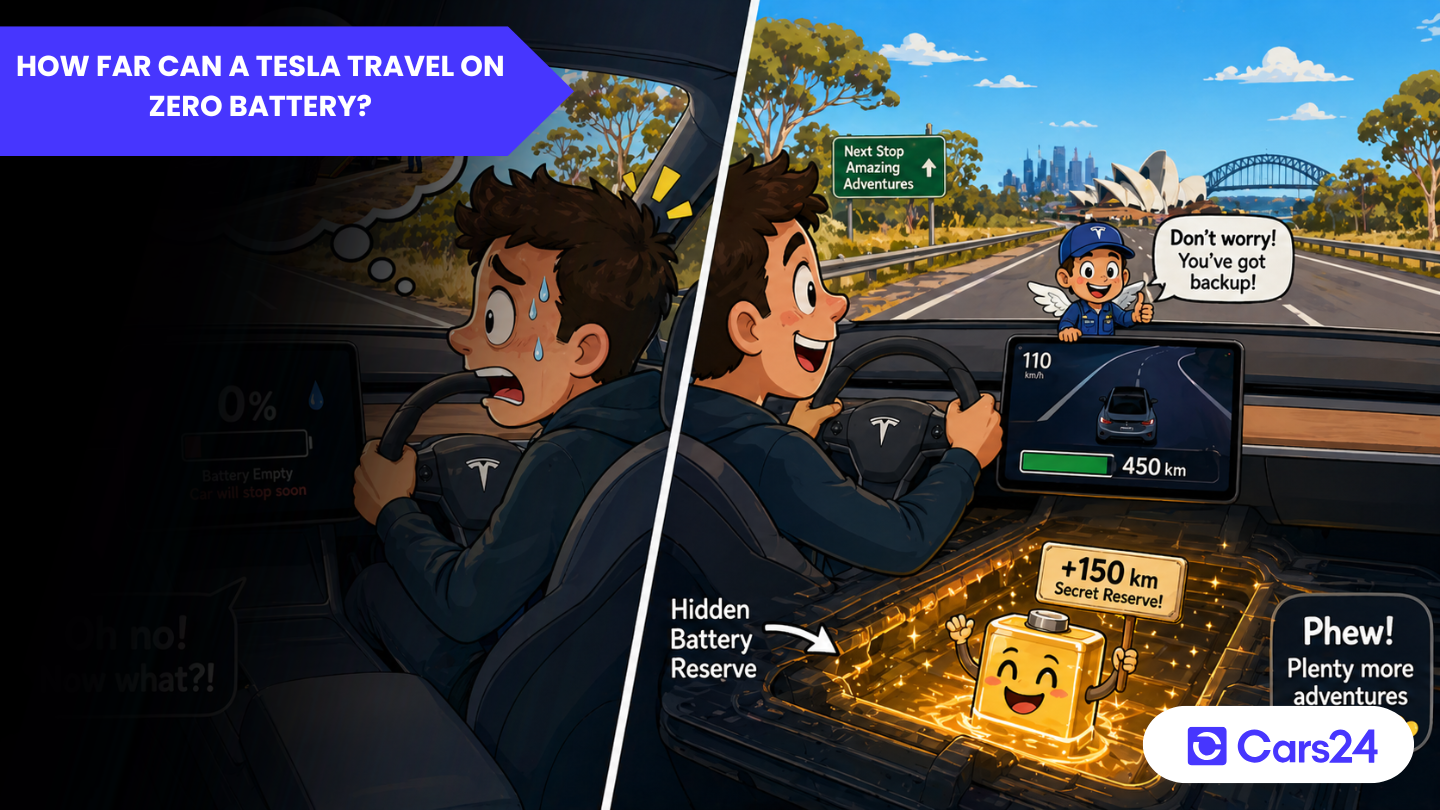
You’re cruising down the motorway and your Tesla’s estimated range ticks down to zero. Heart rate spiking? You’re not alone. Range anxiety is one of the most common concerns for EV drivers, but here’s the reassuring truth: hitting 0% on a Tesla does not mean you are immediately stranded. Tesla builds a hidden energy reserve into every vehicle, which means there is almost always a little more distance left in the pack than the dashboard suggests. But how much? And what are the risks of relying on it?
This guide explains everything you need to know about driving a Tesla on zero battery, from how the buffer works, to how far real-world tests show you can go, to the golden rules that will protect your battery for the long term.
What does “0% Battery” actually mean on a Tesla?
When your Tesla displays 0% State of Charge (SoC), it does not mean the lithium-ion cells in the battery pack are completely depleted. Tesla, like all major EV manufacturers, programmes its battery management system (BMS) to leave a portion of the total pack capacity inaccessible to the driver. This is done deliberately for two reasons:
- Safety margin — so you have enough power to reach a charger rather than stop suddenly on a live road.
- Battery longevity — repeatedly discharging lithium-ion cells to their absolute chemical minimum causes accelerated degradation.
Think of it like a petrol car’s fuel warning light: it comes on with roughly 50–80 km remaining, not when the tank is bone dry.
How big is Tesla’s hidden battery buffer?
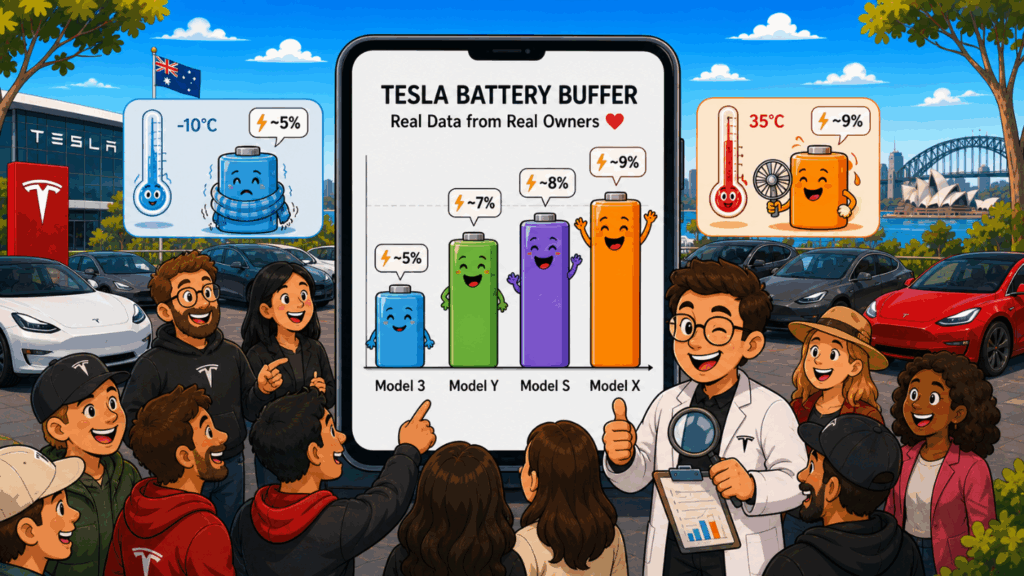
Tesla does not officially publish the exact size of its reserve buffer, and it can vary slightly by model, software version, and ambient temperature. However, based on independent range tests and community data from thousands of Tesla owners, the consensus is consistent:
| Tesla Model | Estimated Buffer (kWh) | Approximate Extra Range* |
| Model 3 Standard Range | ~1.0 – 1.5 kWh | 8 – 15 km |
| Model 3 Long Range | ~1.5 – 2.0 kWh | 10 – 18 km |
| Model Y Long Range | ~1.5 – 2.0 kWh | 10 – 18 km |
| Model S Long Range | ~2.0 – 3.0 kWh | 12 – 25 km |
| Model X Long Range | ~2.0 – 3.0 kWh | 10 – 22 km |
*Estimates under moderate conditions (20°C, flat road, highway speed ~100 km/h). Real-world figures will vary.
These numbers are not guaranteed distances, they are ballpark ranges drawn from real-world owner observations and independent testing. Always treat them as an emergency margin, not planned range.
What happens step-by-step as your Tesla battery drains?
Tesla gives you multiple warnings before you reach zero. Here is the typical sequence:
1. Low Battery Warning (~20–25% SoC)
The battery icon on your instrument cluster turns yellow. Your navigation system may begin proactively routing you to the nearest Supercharger if you have not already set one as a destination.
2. Critical Battery Warning (~5–8% SoC)
The battery icon turns red. Tesla’s onboard navigation will strongly recommend and in some cases automatically reroute you to the nearest charging point. The car may begin limiting climate control power to preserve range.
3. “Charge Immediately” Alert (~1–3% SoC)
A persistent alert appears on the touchscreen. Maximum speed may be capped (reported by owners as low as ~25 mph / 40 km/h in some software versions) to reduce energy consumption.
4. 0% Displayed — The “Buffer” Phase
The display reads 0% but the car continues to move. This is the hidden reserve. Power output is further reduced. The car is essentially asking you: please stop and charge now.
5. Power Cut
The vehicle loses motive power entirely and will coast to a stop. Hazard lights activate automatically on some models. Steering and braking still work (they do not rely on the traction battery).
How far can you actually drive after 0%?
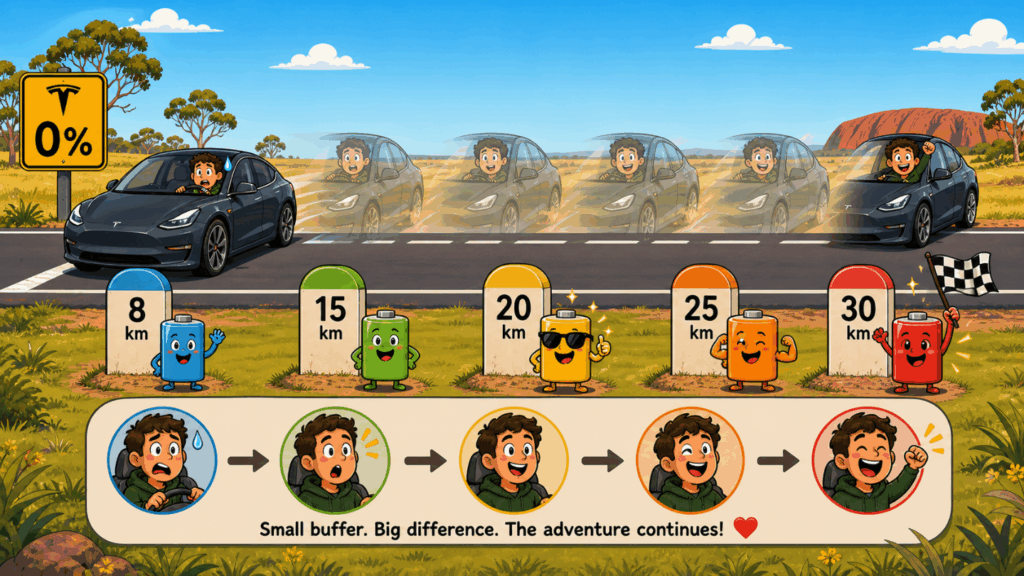
Independent range tests 1 and data logged by Tesla owners consistently show that most Tesla models will travel an additional 8–30 km (5–18 miles) after the display reaches 0%, depending on:
- Driving speed: Slower is better; highway speeds drain the reserve quickly
- Terrain: Downhill extends range; uphill shortens it dramatically
- Temperature: Cold weather (below 5°C) can cut the buffer nearly in half
- Age and health of the battery: Older packs with degraded capacity have a proportionally smaller buffer
- Climate control: Running heating or air conditioning while in the buffer zone reduces distance significantly
A Model 3 Long Range owner driving at 90 km/h on a flat, 20°C day might squeeze out 12–15 km after hitting 0%. The same driver in -5°C winter conditions doing 110 km/h uphill might get 5 km or less.
Do not plan your journey around the buffer. It exists for emergencies only.
Does running a Tesla to zero damage the battery?
Yes, repeatedly, it can. Lithium-ion batteries degrade faster at the extremes of their charge cycle. Tesla’s BMS protects the cells by keeping them between roughly 5% and 95% of their physical capacity during normal use. When you push into the buffer (below the software “0%”), you are entering that protected lower zone.
An occasional dip into the reserve is unlikely to cause measurable long-term harm. But habitually draining to zero, or leaving the vehicle parked at 0% for extended periods, can accelerate capacity loss over time.
Tesla’s own guidance, echoed by battery researchers, recommends:
- Daily charging target: 80–90% for regular use
- 100% charge only before long trips requiring the full range
- Avoid parking below 20% SoC for prolonged periods, especially in cold weather
- Never leave a Tesla at 0% for more than a few hours
How to avoid running low in the first place?
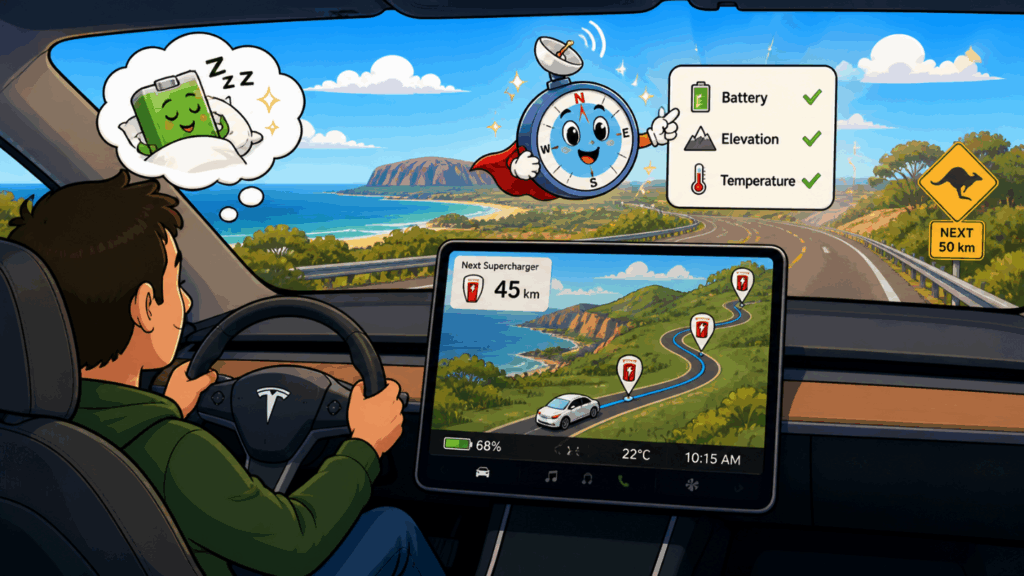
1. Use Tesla’s Built-In Navigation
Tesla’s navigation system accounts for battery level, route elevation, and ambient temperature when calculating arrival SoC. Always set your destination in the nav system for long trips, it will automatically schedule Supercharger stops.
2. Enable “Trip Planner”
For multi-leg journeys, the Trip Planner feature routes you through the optimal Supercharger network automatically. Studies by independent EV researchers 1 show this reduces range anxiety events significantly.
3. Pre-condition the Battery in Cold Weather
In cold climates, use the Tesla app to pre-condition the battery while still plugged in. A warm battery performs significantly better than a cold one, government-backed EV efficiency research confirms that EV range in sub-zero conditions can drop by 20–40% compared to rated range.
4. Adjust Your Driving Style
- Reduce speed on motorways (every 10 km/h above ~90 km/h increases energy use substantially)
- Use Chill Mode or Eco settings to reduce acceleration energy draw
- Enable Regenerative Braking on “Standard” setting to recapture energy when slowing
5. Monitor Real-Time Energy Use
The Tesla energy app (accessible via the touchscreen) shows your consumption in Wh/km in real time. If the figure is running above your trip average, ease off and you will buy yourself more cushion.
The bottom line
A Tesla hitting 0% on the dashboard is not the end of the road, literally. The hidden buffer provides a genuine safety margin of roughly 8–30 km depending on your model, conditions, and driving behaviour. But it is precisely that: a safety margin, not planned range. The golden rules are simple:
- Plan your charging stops using Tesla’s navigation — don’t rely on the buffer
- Charge to 80–90% for daily driving to protect your battery’s long-term health
- In cold weather, add extra buffer to your planned charging stops
- If you do hit 0%, slow down — lower speed is the single biggest way to extend what little reserve remains
Tesla’s engineering gives you a cushion. The best drivers never need to use it.
Frequently Asked Questions
Will a Tesla shut off completely when the battery hits 0%?
The car will gradually reduce power and cap your speed, but it will not shut off abruptly. You will have a few kilometres of slow, limited-power driving before the vehicle stops.
Can I damage my Tesla by driving to 0%?
An occasional deep discharge is unlikely to cause serious harm. Habitually pushing to 0% or leaving the vehicle parked at 0% for extended periods can accelerate long-term battery degradation.
Does cold weather affect how far I can drive on zero battery?
Yes, significantly. Cold temperatures reduce the available energy in lithium-ion cells. Expect the buffer range to be considerably shorter in winter conditions, plan for half the warm-weather estimate as a conservative figure.
How accurate is Tesla’s range estimate?
Tesla’s displayed range is an EPA-rated or WLTP-rated estimate under standardised test conditions. Real-world range varies based on speed, temperature, driving style, and terrain. Independent tests 1 suggest real-world figures are typically 10–20% below the stated range at highway speeds.
What does Tesla Roadside Assistance do if I run out of charge?
Tesla Roadside Assistance can dispatch a mobile charger truck (in supported markets) to deliver a small top-up charge, enough to get you to the nearest Supercharger. Always call them first before arranging third-party recovery.

Comments
New Comment